
Features

The best beauty booking app GlowHives features do not just look good—they reduce friction, build trust, and help clients move from browsing to booking. GlowHives is designed around the parts of the booking journey that matter in real decisions: clients want speed, clarity, and confidence, while businesses want stronger visibility and a booking process that reflects how they actually operate.
For clients, finding a salon, studio, spa, clinic, or wellness provider should not require unnecessary messages, unclear service menus, or guesswork about availability. For businesses, a profile should do more than exist online. It should help the right people understand what the business offers and make it easier for them to choose an appointment.
GlowHives brings together discovery, service information, availability, galleries, and booking-focused business tools. Clients can begin with the beauty and wellness marketplace to explore providers, while business owners can use GlowHives to present their services and booking options in a clearer, more useful way.
Search that actually drives discovery
Search is where the client journey starts. Before someone can make a booking decision, they need a practical way to find a business that seems relevant to their needs. One of the most important beauty booking app features is helping clients discover suitable businesses without forcing them to sort through information that does not match what they want.
GlowHives supports search so clients can explore salons, studios, spas, clinics, and wellness providers more efficiently. A client may begin with a broad need, a type of service, or a location, then review businesses that appear relevant. The purpose is not to make visitors work harder to find an option. It is to help them reach a useful shortlist and decide what they want to explore next.
For businesses, being discovered is the first step toward a booking. A clear profile gives prospective clients a place to understand the basics before they need to send a message, call, or search on another platform. This is especially useful when a client is comparing multiple providers and wants to identify an option that fits their preferences, service needs, style, and timing.
Search works best when business information is accurate and easy to understand. Businesses should keep their service details, images, profile information, and booking settings current. When a profile clearly explains what the business offers, clients can make better decisions and spend less time trying to fill in missing details for themselves.
If you are new to the platform, the client booking journey explains the general path from discovering a provider to selecting an appointment. For a business, better discovery begins with a useful introduction: who you are, what you provide, and how a client can take the next step.
Availability checking that reduces the biggest booking barrier
Uncertainty causes hesitation. If a client cannot tell whether a business has a suitable appointment time, they may delay their decision, contact several businesses, or choose another provider. Availability-first flows are among the highest-impact beauty booking app features because they help clients keep moving while they are motivated to book.
GlowHives emphasizes a smoother route to checking availability so clients can make decisions with less back-and-forth. After considering a service, the client can continue toward appointment options that match the business’s current setup. This makes the decision more concrete. Instead of wondering whether a time might be available, the client can consider times that are intended to work with the business’s booking calendar.
For a business, availability is more than an open time slot. It needs to reflect the way the business operates. That can include services, staff members, and practical workspace capacity. When booking settings are managed carefully, clients receive clearer choices and the business has a more dependable view of what is scheduled.
Availability checking can be particularly useful when a client is booking outside regular business hours or wants to make a decision without waiting for a response. It gives the client a path forward while allowing the business to manage the underlying booking setup through the GlowHives Salon Owner Dashboard.
A business should still review its schedule regularly. Changes to staff, service duration, physical capacity, or operating hours can affect what should be available to book. Keeping those settings aligned with day-to-day operations helps the booking experience remain clear for clients and manageable for the team.
Mobile-first experience on iOS and Android
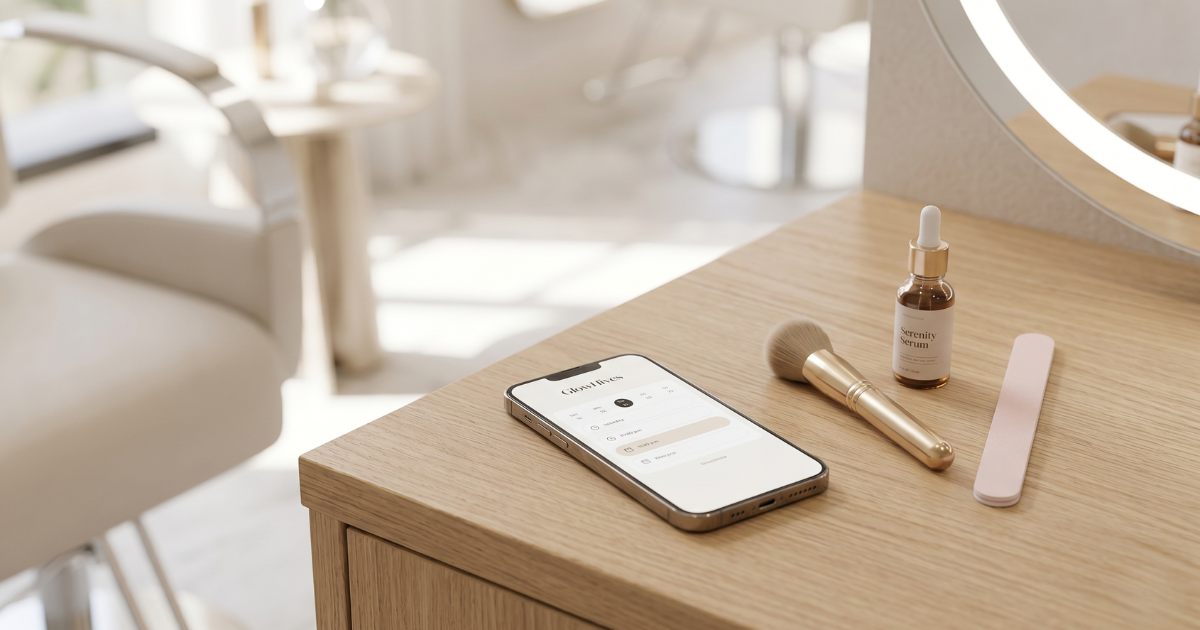
GlowHives is built to feel fast and modern on both iOS and Android. A mobile-first experience isn’t optional anymore—it’s one of the foundational beauty booking app features that determines whether clients actually complete the booking process.
Galleries that help clients feel confident
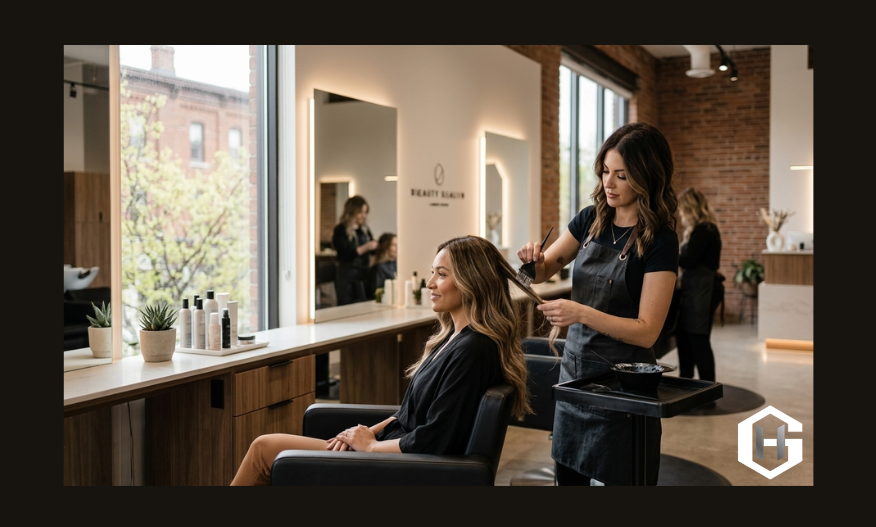
Beauty is visual, and clients want proof. GlowHives supports galleries so businesses can showcase real work and help clients trust the outcome. This is one of the most influential beauty booking app features because it turns browsing into confidence, and confidence into bookings.
Business profiles that build trust in seconds
A client’s first impression is often a deciding factor. Before committing to an appointment, people commonly want to understand the business, what it offers, and whether it appears to be a suitable fit. GlowHives supports profiles designed to make those early questions easier to answer, including on mobile devices.
A useful business profile gives visitors the information they need to continue without overwhelming them. It can help a prospective client recognize the type of business, review services, view images, and understand how to move toward booking. Clear profile content matters because clients should not need to search through several different channels just to understand the basics of a provider.
Businesses can treat their profile as a practical introduction rather than a static directory entry. Service names should be recognizable. Descriptions should help clients distinguish between choices. Gallery images should represent the work the business wants visitors to consider. When those elements align, clients can assess whether the business feels relevant before they invest time in selecting an appointment.
Professional presentation does not require exaggerated claims. It requires accurate, current, easy-to-scan information. Clients should be able to see what the business wants to show them, understand the general services available, and decide whether they would like to continue.
For more context on the company and its purpose, visit the GlowHives story. A clear profile supports the same goal: helping clients make an informed decision and helping businesses communicate their offering more effectively.
Service listings that make choices easier
Confusing service menus can lead to drop-off. When service names are vague, details are unclear, or similar options are hard to compare, clients may stop before booking simply because they do not know what to choose. Strong service presentation is one of the beauty booking app features that can make the booking process easier to understand.
GlowHives supports service listings so businesses can organize appointment options more clearly. A useful service listing helps a visitor identify what they want before they reach the date and time selection stage. This allows the client to make a more informed choice, while helping the business receive a booking that is more likely to match the requested service.
For the clearest experience, businesses should use service names their clients will recognize. Services with different timing, requirements, or outcomes should be distinguishable from one another. A client should not need to guess which option applies to their needs or contact the business just to understand the difference between two listings.
Service information should be reviewed whenever a business changes its offering. If a service is no longer provided, has changed substantially, or needs more explanation for clients to choose it correctly, the listing should be updated. Accurate service presentation helps reduce avoidable questions and gives clients more confidence before they continue toward availability.
Well-structured services also support a more consistent booking workflow. The service selected by the client provides useful context for the appointment, while the business can manage relevant availability and staff arrangements through its dashboard.
Add a Booking Widget to Your Website
For many salons and studios, their website is where serious clients go when they are ready to book. They may have already seen the business on social media, received a recommendation, viewed a portfolio, or learned about a service elsewhere. At that point, they often want one simple action: choose a service and find a suitable time.
That is why GlowHives offers a booking widget that Premium members can place directly on their own website. The widget gives businesses a way to connect website visitors to the GlowHives booking flow. It is intended for businesses that want their website to remain a practical booking destination while using their GlowHives booking setup.
A website widget can shorten the distance between interest and action. Rather than asking clients to search again, send a message, or navigate through several pages, a business can present a direct route to booking within the website experience the client is already using. This can be useful on pages where visitors have just reviewed services, team information, a gallery, or business details.
The widget does not remove the need for accurate booking settings. Before placing it on a website, businesses should review services, availability, staff setup, and the information clients will see. A clear website booking call to action works best when the choices behind it are current, understandable, and aligned with the business’s real capacity.
Easy setup from your GlowHives Salon Owner Dashboard
You do not need custom development or a complicated setup to use the booking widget. Premium members can configure the widget directly from the GlowHives Salon Owner Dashboard. Businesses can choose settings that match how they run appointments, then generate the widget and place it on their website.
This approach is useful because booking arrangements can change. A salon may update services, adjust availability, add staff members, change how clients choose a provider, or revise how appointments are presented. Managing the booking setup from the dashboard helps the business keep its widget aligned with its current operation rather than treating it as a separate system.
Before publishing a widget, businesses should test the client journey. Review how service choices appear, confirm that availability makes sense, and check whether staff-selection settings match the appointment experience the business wants to provide. It is easier to resolve confusion before clients begin using the booking flow.
The dashboard is intended to give business owners control over their booking setup. The focus is not on adding complexity. It is on creating one clear place to manage the information that shapes how clients book through GlowHives and through an embedded website widget.
For a closer overview of platform functionality, see the booking-tool overview.
Staff Management
Staff Management gives businesses control over how team bookings work. From the GlowHives Salon Owner Dashboard, businesses can add and manage staff members with names, photos, and specialties, then decide how customers interact with staff during booking.
Staff selection can be important for both clients and businesses. Some clients have a preferred provider and want to choose that person directly. Others simply want the first suitable appointment and may be comfortable with any available team member. GlowHives allows businesses to decide how staff should appear in the booking flow so the experience can reflect how their team operates.
When enabled, the booking flow can display a staff-selection step before the date and time picker, including in the website booking widget. This gives clients relevant context before they choose an appointment. A business can use staff profiles to help clients understand who is available and which specialties team members have identified.
Staff Management also helps support more realistic capacity. GlowHives can require both an available chair and an available staff member for a time slot to be bookable. This means the calendar can better reflect what the business can actually accommodate, rather than showing an appointment that appears open but cannot be supported by the team or workspace.
Booking confirmation emails include the assigned staff member’s name. This helps clients know who they are seeing and helps the team stay organized around upcoming appointments. Businesses should still establish their own internal scheduling practices, but clearly assigning appointments can make the booking process easier for everyone to interpret.
Built for many industries without feeling generic
GlowHives supports salons, spas, studios, clinics, and wellness providers. The platform keeps the experience clean and booking-focused while still accommodating different types of businesses. Flexible structure is one of the beauty booking app features that helps the platform fit real businesses without assuming every appointment type works in the same way.
A hair-focused business may emphasize stylist selection and galleries. A nail business may need especially clear service options. A spa may focus on appointment timing, service details, and availability. Different business types can share the need for discoverability and organized booking while still needing a profile and workflow that make sense for their clients.
Businesses can explore tailored information for hair-salon scheduling, nail-salon appointments, and spa booking workflows. These pages provide industry-specific context while keeping the focus on the same core needs: visibility, clear services, available appointments, and a smoother client path to booking.
GlowHives features are built around one outcome: making it easier for clients to search, check availability, and book, while making it easier for businesses to get discovered and manage the booking setup behind their appointments.
Staff Management
Staff Management gives businesses control over how team bookings work. From the GlowHives Salon Owner Dashboard, businesses can add and manage staff members with names, photos, and specialties, then decide how customers interact with staff during booking.
Staff selection can be important for both clients and businesses. Some clients have a preferred provider and want to choose that person directly. Others simply want the first suitable appointment and may be comfortable with any available team member. GlowHives allows businesses to decide how staff should appear in the booking flow so the experience can reflect how their team operates.
When enabled, the booking flow can display a staff-selection step before the date and time picker, including in the website booking widget. This gives clients relevant context before they choose an appointment. A business can use staff profiles to help clients understand who is available and which specialties team members have identified.
Staff Management also helps support more realistic capacity. GlowHives can require both an available chair and an available staff member for a time slot to be bookable. This means the calendar can better reflect what the business can actually accommodate, rather than showing an appointment that appears open but cannot be supported by the team or workspace.
Booking confirmation emails include the assigned staff member’s name. This helps clients know who they are seeing and helps the team stay organized around upcoming appointments. Businesses should still establish their own internal scheduling practices, but clearly assigning appointments can make the booking process easier for everyone to interpret.
Built for many industries without feeling generic
GlowHives supports salons, spas, studios, clinics, and wellness providers. The platform keeps the experience clean and booking-focused while still accommodating different types of businesses. Flexible structure is one of the beauty booking app features that helps the platform fit real businesses without assuming every appointment type works in the same way.
A hair-focused business may emphasize stylist selection and galleries. A nail business may need especially clear service options. A spa may focus on appointment timing, service details, and availability. Different business types can share the need for discoverability and organized booking while still needing a profile and workflow that make sense for their clients.
Businesses can explore tailored information for hair-salon scheduling, nail-salon appointments, and spa booking workflows. These pages provide industry-specific context while keeping the focus on the same core needs: visibility, clear services, available appointments, and a smoother client path to booking.
GlowHives features are built around one outcome: making it easier for clients to search, check availability, and book, while making it easier for businesses to get discovered and manage the booking setup behind their appointments.
GlowHives Features Frequently Asked Questions
These answers explain how GlowHives discovery, booking, website-widget, and staff-management features work for beauty and wellness businesses and their clients.
Download APP
If you’re a client, GlowHives helps you find the right fit and book faster. If you’re a business, GlowHives helps you look professional, get discovered, and convert interest into appointments—on the GlowHives booking app for iOS and Android.