

Why Client Galleries Help Beauty Brands Win More Bookings
For beauty and wellness professionals, client galleries can make a business profile easier to explore, easier to remember, and easier to trust. A clear gallery gives potential clients a visual introduction to the work, style, atmosphere, and specialties behind a service menu.
Before booking a haircut, facial, massage, manicure, brow appointment, skincare service, or grooming session, many people want to understand what the experience may look like. Service descriptions and pricing provide important context, while thoughtful images can help clients connect those details with a real visual style. Together, they can support a more confident path from discovery to action.
For salon owners, spa owners, independent artists, estheticians, nail technicians, barbers, and wellness professionals, galleries are more than a collection of attractive photos. They are part of a polished digital presence. When used with accurate service information and an organized profile, client galleries can help clients explore what makes a business distinctive.
Why Client Galleries Support Client Discovery
Beauty is a visual industry. People often look for signs that a professional understands the result, finish, atmosphere, or personal style they hope to find. Client galleries help make that exploration more natural by placing examples of work beside the services a business offers.
A gallery may help a visitor understand whether a professional’s style fits their preferences. For a hair business, that could include different cuts, colour work, textured styles, or finishing details. For a nail professional, it may include shape, colour, art, and seasonal designs. For a spa or wellness space, photography can introduce the environment, treatment room details, and the calm visual identity of the business.
Visual content also helps a business explain its specialties without relying on long blocks of text. A concise service description can tell clients what is available, while images can provide helpful context around the finished look, appointment setting, or type of work shown.
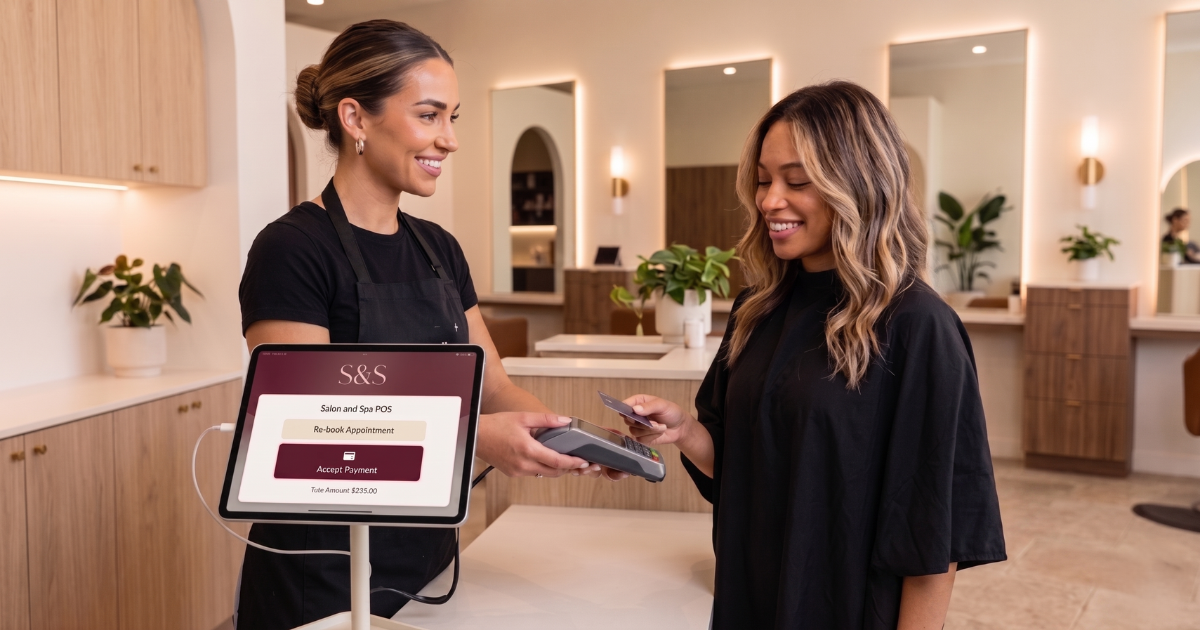 Businesses can connect category-specific content to relevant GlowHives discovery pages when it serves the reader. For example, a hair professional may reference hair service inspiration, while a brow or lash artist can direct clients to brow and lash service ideas. These links work best when they give clients a meaningful next step.
Build a Beauty Portfolio With Purpose
A strong beauty portfolio is selective, clear, and aligned with the services a business wants clients to understand. It does not need to show every image ever created. Instead, it can present a focused collection that reflects a professional’s current work, signature techniques, and preferred client experience.
Start by choosing photos that represent the services you most want visitors to explore. A hair salon may feature a mix of everyday wearable cuts, colour transformations, and styling results. A skincare studio may use images that highlight its welcoming space, consultation area, product display, or service environment without making unsupported treatment claims. A makeup artist may organize imagery by occasion, style direction, or finish.
Each image should have a purpose. Ask what a first-time visitor can learn from it. Does it show the style of your work? Does it help someone understand a service category? Does it reveal attention to presentation? Does it make the profile feel current and cared for?
- Include work that reflects your present services and professional direction.
- Show a useful variety while keeping the overall visual style cohesive.
- Use clear lighting and uncluttered backgrounds whenever possible.
- Choose images that make sense for the service category being discussed.
- Review your collection regularly and refresh it as your work evolves.
A focused portfolio can also help clients discover related services. For instance, content about occasion-ready looks could naturally connect readers with makeup and beauty options, while a post about nail design planning could point toward nail service inspiration.
Plan a Salon Photo Gallery That Feels Consistent
A salon photo gallery feels more polished when the photos work together. Consistency does not mean every image must look identical. It means the gallery has a recognizable level of care, a similar visual quality, and a clear connection to the business.
Consider the feeling you want your profile to create. Some businesses may use bright, energetic imagery. Others may prefer calm, minimal visuals. A barbershop may feature detailed craftsmanship, precision work, and a welcoming setting. A wellness centre may use warm lighting, clean spaces, and images that reflect a restorative environment.
Use a simple visual checklist before adding a new image:
- Confirm that the image is sharp enough to be useful on a phone screen.
- Make sure the subject is easy to identify at a glance.
- Choose an image that fits your current service offering.
- Keep captions or descriptions accurate and straightforward.
- Obtain appropriate permission before publishing images that include clients.
If your business serves a specialty audience, a relevant solution page can help place the gallery in context. A grooming-focused business can share barbershop-focused resources, while a studio that offers nail services can explore nail salon business resources. The key is to keep every link connected to the content around it.
Create a Visual Booking Experience
A visual booking experience helps clients move through information in a clear order. They may first notice a finished result, then explore services, review details, and decide which option best fits their needs. When the visuals and written information support each other, the profile becomes easier to navigate.
Think of the gallery as one part of a connected client journey. A potential client may discover your work through social media, a recommendation, a search result, or a direct link. When they arrive at your profile, they should be able to quickly understand who you are, what you offer, and how your work is presented.
Images are especially useful when they are positioned near relevant information. A gallery featuring lash work can sit alongside the related service category. Images of massage or spa environments can support a page that explains the setting and available service options. A hair gallery can help clients explore the professional’s visual approach before selecting an appointment type.
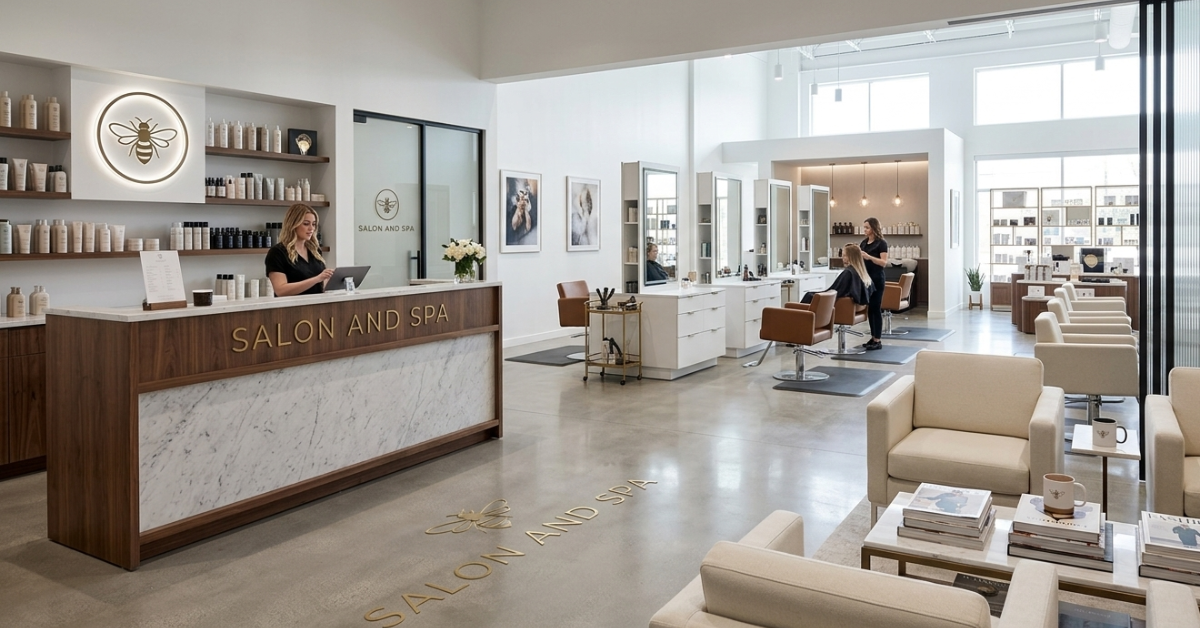 For readers who are learning how the platform presents business information, the GlowHives process overview offers a useful place to continue their research. Businesses can also review available platform features when planning how their digital presence may be organized.
Strengthen Your Beauty Business Profile
Your beauty business profile should make it easier for people to understand the work behind the images. Galleries are most useful when they sit beside complete service information, an accurate business description, and a professional presentation.
Start with the basics: name the services clearly, organize them in a logical way, and keep descriptions aligned with what clients can actually expect. Then use imagery to add visual depth. A client looking at a service should not need to guess whether the style, environment, or specialty feels relevant to them.
For example, a skincare professional can use images of a clean consultation space, product organization, or calming studio details alongside accurate service descriptions. A hair stylist can include finished looks that reflect the categories listed in the menu. A beauty studio can feature different specialties while keeping each image connected to the type of service being shown.
Professionals who are preparing or refining a profile can review the guidance available through business listing information and explore options for listing a business. This can support a more organized profile-building process.
Support Mobile Beauty Booking
Mobile beauty booking is easier to support when images are selected with smaller screens in mind. On a phone, visitors usually scan quickly. They may notice colour, contrast, the main subject, and the overall feeling of an image before reading a full caption.
Choose photos with a clear focal point. A close-up of detailed nail art, a finished hairstyle with visible texture, or a clean image of a welcoming treatment room can communicate more quickly than a wide, busy image with too many competing details.
It also helps to think about image order. Place the strongest, most representative work near the beginning of the gallery. Then use later images to show range, detail, seasonality, or related services. This gives mobile visitors a clear introduction before they decide whether to explore further.
Google recommends descriptive, context-appropriate alt text rather than keyword stuffing, which supports both accessibility and search understanding. Review Google’s image SEO guidance when writing alt text for images on your website or blog.
Choose Client Galleries That Answer Questions
The most useful client galleries answer practical questions before a client needs to ask them. They can show visual style, service variety, environmental details, and the type of presentation a business values. This does not require making promises about outcomes. It simply helps people explore information more clearly.
Consider the questions people may have when viewing your profile:
- What kinds of styles or finishes does this professional present?
- What does the business environment look like?
- Which service category may fit the look I am exploring?
- Does the profile feel current, organized, and aligned with my preferences?
- Where can I find more information about related beauty or wellness services?
A massage studio can use gallery images to introduce its setting and then guide clients toward massage studio resources. A medical aesthetics business can share accurate educational content and connect interested visitors with med spa business resources. A skin-focused professional may reference skincare studio information where relevant.
Use a Simple Gallery Workflow
Keeping client galleries current becomes much easier when photography is part of a repeatable workflow. Instead of waiting until a large collection of images is needed, set aside a few minutes after appropriate appointments or at the end of each week to review possible additions.
A simple workflow can look like this:
- Capture a small selection of images that represent current work.
- Confirm that client permission and business policies are respected.
- Select the clearest images with the strongest visual focus.
- Write a short, accurate caption or service label where helpful.
- Add descriptive alt text that explains the image naturally.
- Place the image near related service information or gallery content.
- Review the profile monthly to keep it current and consistent.
This approach supports a manageable content rhythm. It also gives professionals a growing collection of visual material that can be adapted for their business profile, website updates, email newsletters, or social content.
Share Your Gallery Across Marketing Channels
Once a gallery is organized, it can support a wider marketing routine. A single finished look may become a social post, a short educational tip, a newsletter visual, or a feature within a seasonal service guide. The goal is not to repeat the same message everywhere, but to adapt one useful visual idea to the context of each channel.
For example, a hairstylist might share a completed look alongside an explanation of the styling approach. A nail artist can create a seasonal colour inspiration post. A wellness centre may highlight a calm, welcoming detail from its space while directing clients toward general wellness discovery options.
 Businesses that want to connect their profile with broader service discovery can share relevant category links such as wellness discovery resources, hair removal service information, or medical aesthetics exploration. Use these destinations when they genuinely help the audience continue their research.
Use Client Galleries to Tell a Service Story
Client galleries can do more than display finished work. They can help tell a clear service story from the first moment a visitor begins exploring a beauty business profile. When images are selected thoughtfully, they give clients helpful visual context around the services, specialties, and overall experience a business presents.
A service story does not need to document every step of an appointment. Instead, it can guide visitors through the type of result, style, or setting they may want to explore. A hair professional may show a finished cut in one image, colour detail in another, and a styled final look in a third. A nail technician may display a full set, a close-up of fine design work, and a seasonal colour option. This combination helps clients understand both the overall look and the attention given to details.
For a spa, wellness centre, or massage studio, the story may focus more on atmosphere and preparation. Images of a welcoming entrance, a calm treatment room, clean product presentation, or a thoughtfully arranged relaxation area can help visitors understand the environment before they arrive. A business can pair this kind of gallery with relevant educational information and a link to spa-focused business resources or wellness centre resources when appropriate.
A useful service story can include:
- The finished result: A clear image that introduces the visual outcome or service style.
- The defining detail: A closer view that highlights texture, shape, colour, design, or the presentation of the space.
- The service context: An image that helps a client connect the work to a service category listed on the profile.
- The business atmosphere: A visual that reflects the professional, welcoming identity of the salon, studio, spa, or wellness space.
This approach can help each image work harder for the reader. Rather than scrolling through unrelated photos, potential clients see a collection that explains the professional’s style in a clear and organized way. It also makes it easier to refresh the gallery over time, because each new image can fill a specific role within the visual story.
Review Your Client Galleries Through a Client Lens
Before publishing or refreshing client galleries, take a few minutes to view the profile as though you are a first-time visitor. The goal is to make sure that the visual presentation supports a simple, comfortable discovery experience. Start at the top of the profile, scan the first images, read the service names, and consider whether the relationship between those elements feels clear.
Ask whether the opening images represent the business well. The first few photos often set the visual expectation for the rest of the profile, so they should be current, easy to understand, and closely connected to the services you want clients to discover. If the gallery has a wide range of specialties, group images in a way that helps visitors recognize those categories naturally.
A short monthly review can help a business maintain consistency without turning gallery management into a large project. This is also a useful time to update descriptions, check image permissions, and ensure that new work reflects the services currently available. Businesses creating or improving a profile can explore beauty studio resources and professional business information as part of their wider digital-presence planning.
When client galleries are reviewed through a client lens, they can support an organized experience from visual discovery to service exploration. That clarity helps potential clients spend more time learning about the work, the business, and the services that feel most relevant to them.
1. Why do client galleries matter for beauty businesses?
Client galleries help potential clients explore a professional’s visual style, service presentation, and business atmosphere before deciding which services they want to learn more about.
2. What should a beauty portfolio include?
A beauty portfolio can include clear examples of current work, relevant service categories, finished details, and images that reflect the business’s present style and specialties.
3. How often should a salon photo gallery be updated?
A salon photo gallery can be reviewed monthly or seasonally so the images continue to reflect current work, services, and the overall visual direction of the business.
4. How do client galleries support mobile beauty booking?
Client galleries support mobile beauty booking by giving phone users a quick, visual way to understand a business’s style, services, and presentation while exploring profile information.
5. What makes a gallery image useful for a business profile?
A useful gallery image is clear, relevant to the service being discussed, accurately presented, and consistent with the visual identity and current offerings of the business.